MiCasaTV Dashboard
Good evening,
Adrian
10:42
PM
Thursday, May 14
+2 today
3
Active Sessions
99.9%
15d
Server Uptime
68% full
2.1 TB
Storage Used
All online
—
Users
Your Services
3 active
Active
Professional Services
Manage payroll, scheduling, and business operations.
Open Portal →


Online
Media & Streaming
Watch movies, TV shows, and more — powered by Jellyfin.
Go to Media →


Online
Music
Listen to your entire music library, anytime, anywhere.
Go to Music →

Active
AI Assistant
Ask anything — smart help for your entire homelab.
Open Assistant →
Recent Activity
Jellyfin stream started
Living Room TV · 4K HDR
2m ago
Music queue updated
24 songs added to library
1h ago
Tunnel health check
All endpoints responding
3h ago
Storage scan complete
2.1 TB used of 4 TB
6h ago
Server Status
Infrastructure
All Operational
Jellyfin
● Checking…
Music
● Checking…
AI
● Checking…
Storage
— / —
7-day storage growth trend
Server Uptime
Loading…
Overview
Full system snapshot at a glance.
System Uptime
15d 4h 32m
Live System Status
Checking services…
Media & Streaming
Checking…
Music
Checking…
AI Assistant
Planned
Professional Worker
Checking…
Storage
Checking…
Network
Healthy
VMs
Running
Privacy & Security
Protected
System Resources
Live · updates every 5s
Ubuntu worker · real-time metrics
CPU
—%
Memory
—%
—
UPTIME
—
WORKER
—
Storage Overview
Primary NAS capacity
—
Used
Total—
Used—
Free—
Recent System Events
Activity log
Media & Streaming started
2m ago
Backup completed successfully
15m ago
New user registered
1h ago
VPN tunnel refreshed
2h ago
System health check passed
3h ago
Dashboard
Admin control center.
🖥️
Coming Soon
Charts, metrics, and quick actions for your entire homelab.
Media & Streaming
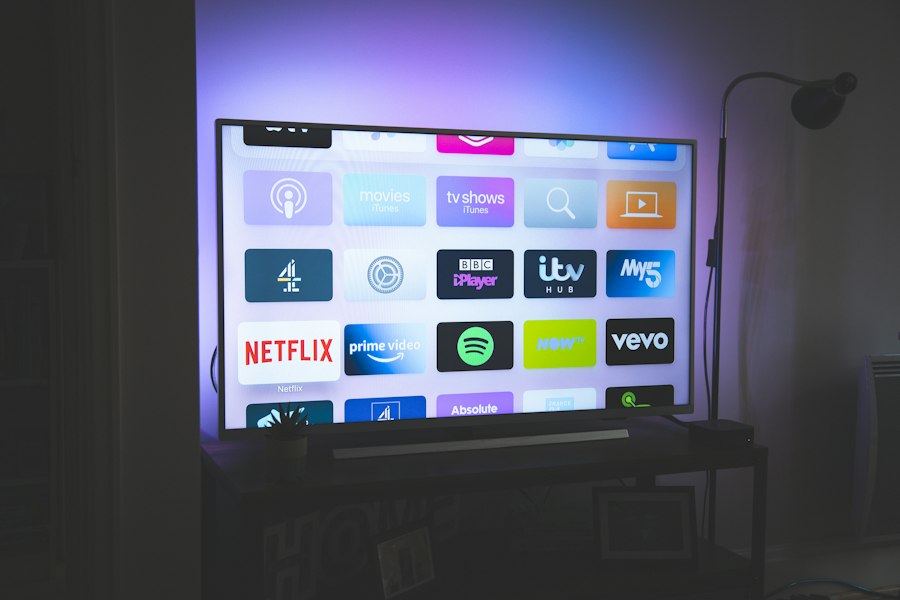
Movies, shows & music — just for the family


Watch Now
Your full movie and TV library, streaming right on your home network. Anytime.
Open Jellyfin

Admin Panel
Manage libraries, users, plugins, and all server settings from one place.
Open Dashboard



Stream Outside
Watch from anywhere in the world — your library travels with you.
Open Remote
Connection
Port
8096
Server
Jellyfin
Status
—
Last Checked
—
Live TV
Loading channels…
Loading channels…
Music
Your personal music server.
Now Playing
Enjoy your music anywhere.

Blinding Lights
The Weeknd · After Hours
1:243:20
Online
Your Library
Stream your entire collection from one beautiful place.
317Albums
142Artists
2,451Songs
Recently Added
Your latest music additions.

Houdini
Eminem
3:48

Paint The Town Red
Doja Cat
3:51

Cruel Summer
Taylor Swift
2:58

greedy
Tate McRae
2:11
Server Status
All systems running smoothly.
View Activity
Server
Jellyfin
Running
Library
2,451 songs
317 albums · 142 artists
Storage ●
1.2 TB used
of 4 TB
Transcoding
0
Active streams
Last Updated
—
Professional Worker
Automation engine · runs on homelab PC · port 8001
Tunnel
FastAPI
Playwright
CF Tunnel
Checking…
—
Docker
Checking…
—
Uptime
—
Since last restart
Last Ping
Timeout
How fast it responded
Errors Today
0%
All good so far
Restarts
0
Hasn't needed one
Your PC's Resources
Updates live once worker is on
CPU
14%
Memory
40% · 6/16 GB
Disk
— / 931 GB
Worker Controls
Recent Alerts
0
Worker health check failed — no response
—
Camille
Groq · llama-3.3-70b-versatile
Checking…
Privacy & Network
Secure your connection and monitor network activity in real time.
VPN Status
Checking…
Connection Status
—
Checking…
VPN Protocol
—
Checking…
Cloudflare Tunnel
—
Checking…
DNS Protection
—
Encrypted DNS enabled
Network Activity
Real-time bandwidth usage
200
150
100
50
0
Mbps
00:00
04:00
08:00
12:00
16:00
20:00
24:00
Download
—
Upload
—
Total
—
Security Feed
Live · 30s
Initializing…
Waiting for security data…
just now
Refresh security feed
Connection Details
Protocol
WireGuard
Encryption
—
Server Location
—
System Uptime
—
Total Transferred
—
Server Load
—
Quick Actions
Change Server
Select a different location
Kill Switch
Block internet if VPN drops
Split Tunneling
Choose apps & websites
DNS Settings
Configure DNS servers
Storage
Disk usage and file management.
💾
Coming Soon
Monitor disk health, usage, and manage your file storage.
Insights
Usage trends and analytics.
📊
Coming Soon
See bandwidth usage, top content, and activity trends over time.
Activity
Monitor system events and user actions.
Loading activity data…
Total Events
0
—
—
Successful Events
0
—
—
Active Users
0
—
—
Warnings
0
—
—
Errors
0
—
—
Recent Activity
View All
| Event | Description | User | Time | Status | |
|---|---|---|---|---|---|
| Loading… | |||||
Activity Overview
Success
Warning
Error
Info
Top Actions
View All
Alerts
System notifications and warnings.
Loading alerts…
Total Alerts
0
vs last 7 days
Critical
0
Requires immediate attention
Warning
0
Needs attention
Info
0
Informational updates
Resolved
0
vs last 7 days
| Alert | Service | Severity | Status | Triggered | Actions |
|---|
Requests
Request new movies or TV shows.
Active Downloads
0
Total Requests
—
Loading…
Approved
—
of total
Pending
—
of total
Declined
—
of total
| Title | Type | Requested By | Status | Requested On | |
|---|---|---|---|---|---|
| Loading requests… | |||||
Users
Manage user accounts and permissions.
Total Users
—
Active Users
—
Administrators
—
Full access
Pending Invites
—
Awaiting acceptance
All Users
Administrators
Pending Invitations
Settings
Manage your server preferences and configuration.
General
Server
Security
Notifications
Backup
Maintenance
General Settings
Basic information and preferences.
Server Name
Timezone
Language
Appearance
Choose how the dashboard looks.
Theme
Light
Dark
System
Accent Color
Choose your accent color.
System Preferences
Configure how your system behaves.
Auto start services on boot
Automatically start all services when the server boots
Check for updates automatically
Notify me when updates are available
Send anonymous usage data
Help us improve by sending anonymous usage data
Maintenance
Manage server maintenance.
Restart Server
Restart all services and applications
Shutdown Server
Safely shutdown all services and the server
Clear Cache
Clear temporary files and application cache
Server Configuration
Network and connection settings.
Server URL
Port
Max Concurrent Streams
Security Settings
Manage authentication and access control.
Require login for all users
All users must authenticate before accessing content
Enable two-factor authentication
Add an extra layer of security for admin accounts
Block failed login IPs
Automatically block IPs after 5 failed attempts
Notification Preferences
Choose what alerts you receive.
Critical alerts
Notify on critical system errors
Warning alerts
Notify on storage, network, and service warnings
Update notifications
Notify when system updates are available
Backup completion
Notify when scheduled backups complete
Backup Configuration
Automate and manage your server backups.
Automatic backups
Run scheduled backups automatically
Backup Frequency
Retention Period
Server Maintenance
Run one-off jobs against your media library. Output streams live into each console below.
Backend wiring soon
Subtitles Runner
Download & sync subtitles for one title or the whole library.
Idle
Target
No output yet — press “Run subtitle download”.
Compact Files
Re-pack media and reclaim disk space across the library.
Idle
Analyzes every title and re-packs anything that can be stored smaller — non-destructive.
No output yet — press “Run compaction”.
Support
Help and documentation.
💬
Need Help?
Contact Adrian or check the docs for troubleshooting.
